

The first time I watched a "live" stream that I knew was recorded, I felt a little cheated. Then I saw the chat. People were talking, asking questions, getting answers from the host in real time. Nobody cared that the video was recorded. They cared that it was good, and that someone was there.
That's the whole idea behind a pre-recorded live stream. And it's the gentlest way I know to get started with live video.
In this guide I'll walk you through your very first one, from planning and recording to the moment it airs and what to do afterwards. If you're looking for software options instead, we've compared the top tools for automated live streaming in a separate post.
What Is a Pre-Recorded Live Stream?
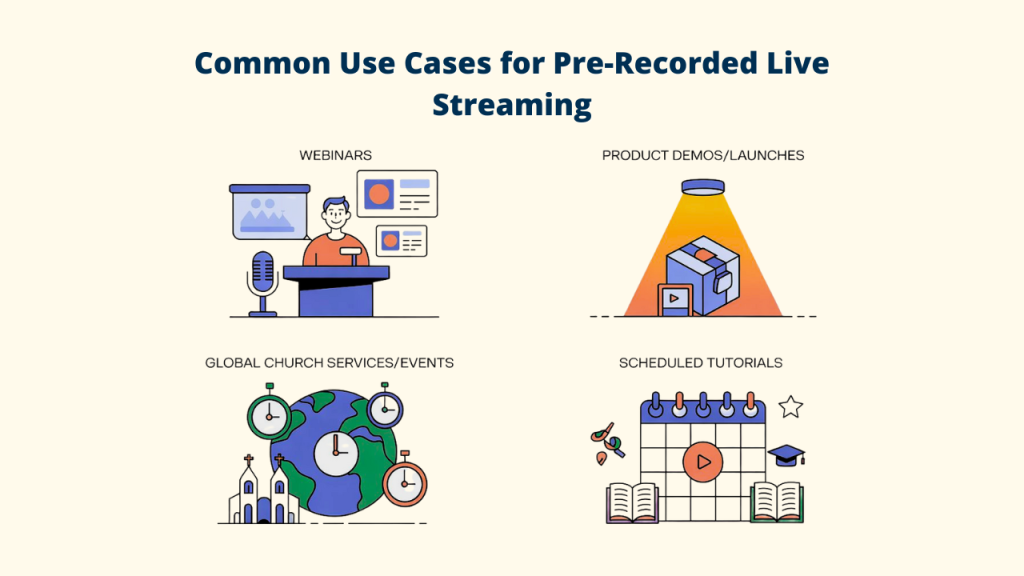
A pre-recorded live stream is a video you record and edit in advance, then broadcast as a live stream at a set time. You'll also hear it called simulive, short for simulated live.
To viewers, it shows up like any live video. There's a live badge, a chat and, on most platforms, a notification to your followers.
The difference is on your side. You've already recorded your best take. No stumbles you can't fix, no Wi-Fi panic, no talking to an empty room while you wait for people to arrive.
Is It Allowed? And Is It Honest?
Two fair questions. Let's deal with them first.
Streaming a finished video file over RTMP is a common, normal setup. YouTube even has its own built-in version of the idea, called Premieres. Still, every platform has its own rules, so read the live streaming guidelines for the ones you use.
Honesty is the bigger question. My advice is simple. Don't pretend.
Say in your title or description that it's a recorded session with live chat. Don't reference "right now" events you couldn't know about. Then show up in the chat as yourself. Viewers are fine with recorded content. What they don't like is being fooled.
Step 1. Pick One Goal for Your First Stream
What should someone do or know after watching?
Maybe it's understand one idea. Sign up for something. Ask you a question. Pick one goal and build the stream around it.
For a first attempt, keep it short. Twenty to forty minutes is plenty. You can always go longer once you've seen how people respond.
Step 2. Record It Like It's Live
This is where most beginners go wrong. They record a polished video, stream it, and it feels flat.
A pre-recorded live stream should sound like you're talking to people, not at them.

- Talk to viewers directly. Say "you", ask questions, invite comments.
- Leave natural pauses for chat. Say something like "drop your answer in the chat, I'll be reading along".
- Avoid time-stamped greetings. "Good morning" doesn't work when someone in another time zone is watching at night.
- Skip dates and breaking news. They age badly if you stream the video again later.
- Keep the energy up. A little more expression than feels natural reads as normal on screen.
- Don't over-edit. Cut real mistakes, but leave the human bits in.
Your phone, a webcam or a screen recorder is enough. Good sound matters more than a fancy camera, so record somewhere quiet.
Step 3. Prepare Your Video File
Before you upload, check a few things.
Is the audio clear and at a steady volume? Is there a short intro so people who join in the first minute don't miss anything important? Does it end with a clear next step, like a link to click or a question to answer?
Most streaming tools accept common formats like MP4. If your tool lists recommended settings, export to match them. It saves conversion time and avoids surprises.
Step 4. Choose When It Goes Out
Timing is half the battle.
Look at your platform's analytics to see when your audience is most active. If you don't have data yet, pick a time when your target viewers are likely to be relaxed and online, like an evening or a weekend morning in their time zone.
Then schedule it in your streaming tool. Choose the platforms, set the date and time, and double-check the time zone. That last part catches a lot of people.
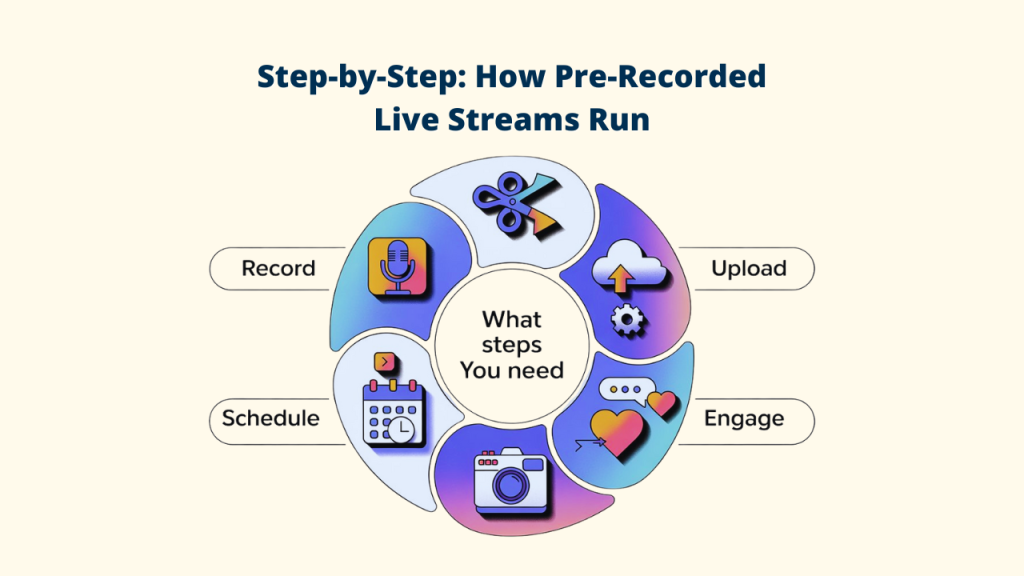
Step 5. Tell People It's Happening
A live stream nobody knows about is just a video.
Post about it a few days ahead and again on the day. Share it with your email list if you have one. On YouTube, a scheduled stream gets its own page, so people can set a reminder.
You don't need a big audience. Even ten people in the chat make a stream feel alive.
Step 6. Show Up in the Chat
Here's the secret. The video is recorded, but you shouldn't be.
Be in the chat when it starts. Greet people by name. Answer questions as they come in. Pin a comment with the main link or resource you mention.
This is the part that turns a recorded video into a real event. And because you're not presenting at the same time, you can give the chat your full attention. That's something even experienced live streamers struggle with.
Step 7. Make the Most of It Afterwards
When the stream ends, the work isn't over.
- Keep the replay up so people who missed it can still watch.
- Reply to any comments that came in late.
- Note which moments sparked the most chat. That's your next topic.
- Cut short clips from the best parts for social media.
And remember the video is still yours. You can stream it again for a different time zone, or in a few months for new followers.

Beginner Mistakes to Avoid
- Streaming a video that was never meant to be live, like a silent screen recording.
- Forgetting to check the time zone on the schedule.
- Not announcing the stream at all.
- Leaving the chat empty because "it's recorded anyway".
- Making the first one two hours long.
Avoid these and your first stream will already beat most.
How Livecaster 24x7 Makes This Easy
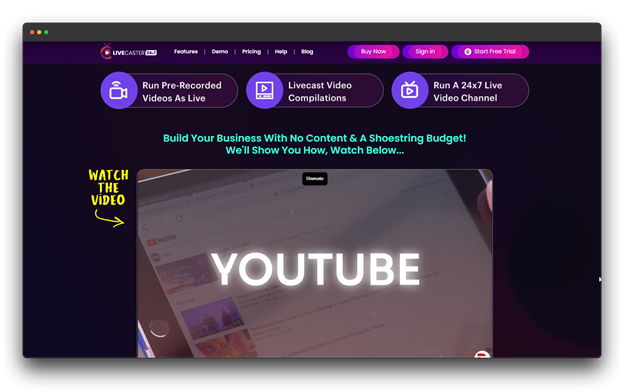
We built Livecaster 24x7 for exactly this kind of streaming.
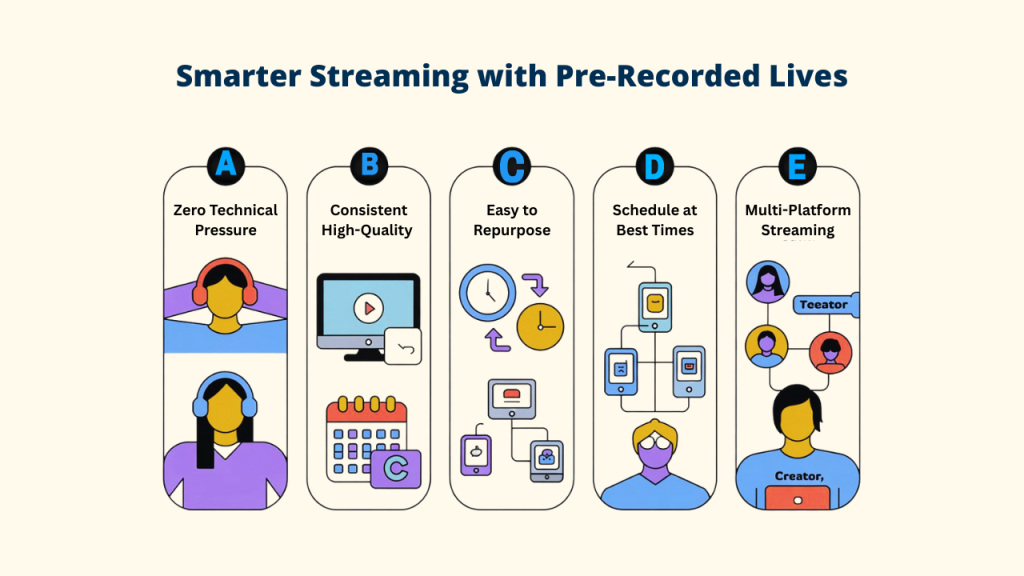
You upload your edited video, pick your platforms and either go live instantly or schedule the livecast for later. It works over RTMP with YouTube, Facebook, Instagram, TikTok, Twitch and others, and you can stream to more than one platform at the same time.
Once you're comfortable, you can go further. Livecast several videos in a sequence, or loop a collection so your channel stays live 24 hours a day. You can even change what's playing while a stream is live.
The point is that you don't have to stay at your computer or face the camera in real time. You just show up in the chat.
It costs $6.99 a month or $67 a year.
Final Thoughts
Your first pre-recorded live stream doesn't need to be perfect. It needs to be useful, honest and scheduled.
Record it like you're talking to friends. Tell people when it's on. Then be there in the chat while it plays.
Do that once and you'll see why so many creators start this way. When you're ready to compare software, take a look at our list of the top 8 automated live streaming tools and their benefits.
FAQs About Pre-Recorded Live Streams
Will viewers know it's pre-recorded?
Some might, and that's fine. Be upfront in your title or description. What viewers value is good content and a real person answering them in the chat.
Does a pre-recorded live stream get the same reach as a real one?
Platforms treat it as a live broadcast, so features like the live badge and follower notifications usually still apply. Results still depend on your content, timing and promotion.
How long should my first stream be?
Keep it between twenty and forty minutes. It's long enough to deliver value and short enough to hold attention while you learn what works.
Can I stream the same video more than once?
Yes. Many creators re-stream a strong video for different time zones or new followers. Just avoid dated references in the recording so it stays fresh.